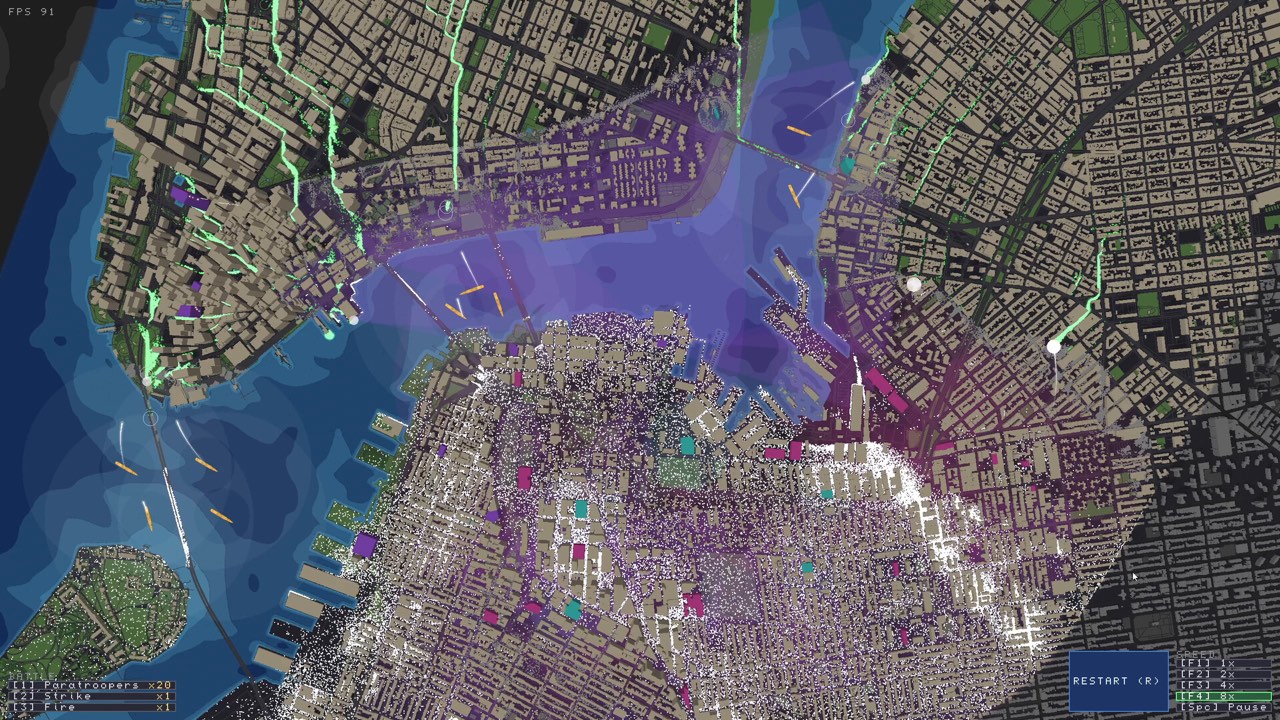
Does Zombies Aren’t Real have multiplayer?
Yes. The Steam store lists online co-op for you and one other friend: two players total. This confirms the supported online player count. It does not establish split-screen, console cross-play or a larger lobby; those features are not confirmed by the source used for this guide.
If you searched for multiplayer because you want to organize a session, start by agreeing on the same version and scenario. The checklist below helps two people prepare and communicate. It is not a walkthrough of the current invitation menus, which we have not tested.
Before the session: a short shared checklist
- Let Steam finish updating. Both players should check their Downloads queue before launching.
- Choose the same starting conditions. Agree on the map, scenario and any custom content you intend to use. Record Workshop item links rather than relying on similar display names.
- Try the simplest session first. Use standard content before investigating a problem that occurs only with a custom scenario. This is a diagnostic comparison, not a claim that custom maps are incompatible.
- Agree on a communication method. Use whatever voice or text service you already prefer. This guide does not assume an in-game voice feature.
A communication plan for two players
Two people watching the same city can still miss the same problem. Before the outbreak, decide who will monitor each area and what information should be called out immediately. Keep calls concrete: a location, an observed problem and the response you propose. That is easier to act on than an urgent instruction with no location.
Consider dividing attention rather than assuming the game grants separate unit ownership. One player might watch an outer area while the other watches the current containment line. These are suggested communication roles, not confirmed game permissions or a tested optimal team strategy.
Before an air-support decision, say where you intend to intervene and check whether the other player sees a civilian risk or another threat. The point is to avoid making a shared plan harder to understand, not to add a delay to every small decision.
If a co-op session fails
Write down the stage of failure: joining, loading the map or playing after the outbreak begins. Also note whether the same content loads in single-player. “We cannot connect” and “one custom map will not load” are different reports and deserve different comparisons.
Retry with the same simple conditions after both clients are updated. Do not change network settings, game content and hardware settings together; that makes it difficult to identify what affected the result. No game-specific port numbers or guaranteed connection fix have been verified for this article.
Review one attempt together
After a run, compare what each player first noticed. If both watched the same event while another area failed, change the attention plan on the next attempt. For a shared record, use the checklist in our beginner planning guide. If only custom content is involved, continue to Workshop map troubleshooting.
Sources and review notes
Source links checked November 14, 2026. The guide status above explains what has and has not been tested.