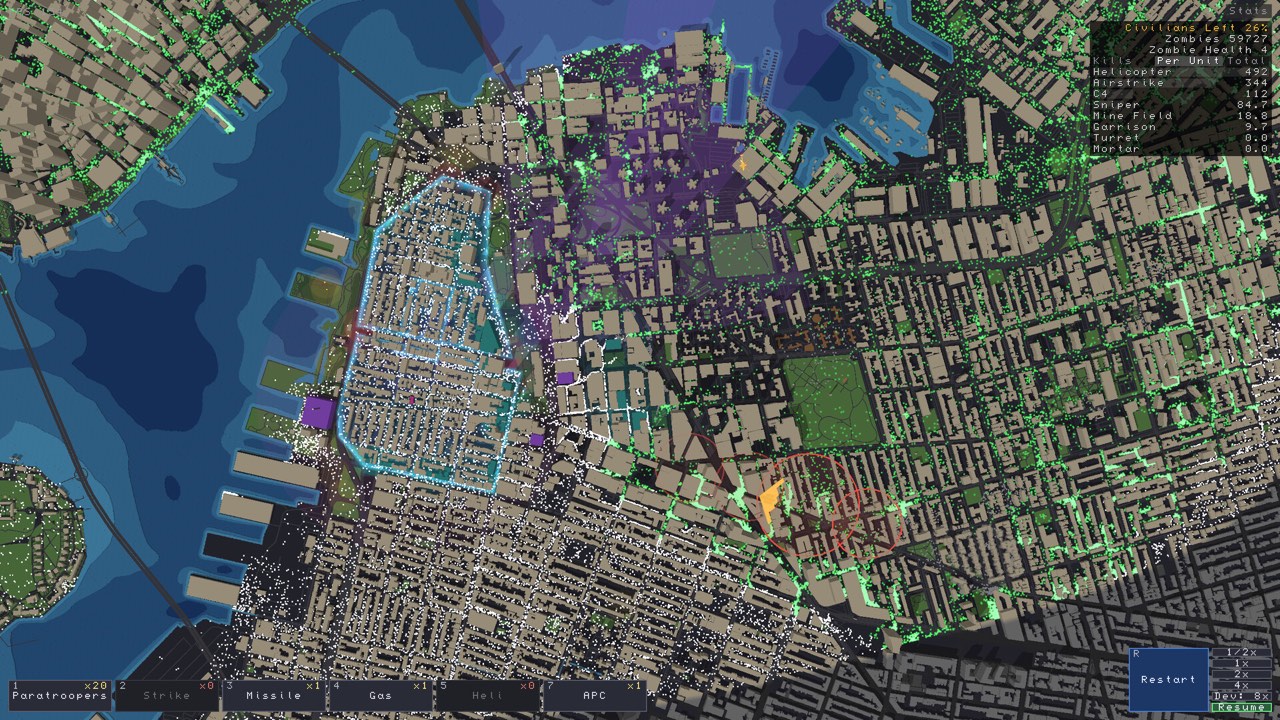
Where to find Zombies Aren’t Real maps
The official Steam Workshop hub hosts community maps. The directory below links directly to four item pages visible during our November 14, 2026 review. It is a discovery list, not a ranking of the best or easiest maps. We have not completed these scenarios or benchmarked them.
| Workshop item | Creator | Item ID |
|---|---|---|
| London, England ↗ | drizzlehalo | 3839026256 |
| Tokyo, Japan ↗ | Devin | 3839048917 |
| Stockholm, Stockholm County ↗ | General | 3839066450 |
| Auckland ↗ | Jo | 3826336742 |
All four are listed with Map and Campaign tags. Authors can update or remove items. The live item page is the place to check the latest description, change notes, requirements and availability.
How to choose a map for your next run
Start with the purpose of the session. If you are learning a unit, keep the scenario stable so you can compare attempts. If your purpose is exploration, a familiar city name can give you a convenient starting point. Familiarity with a real city does not prove how movement or boundaries work in the game.
Inspect the preview and description before subscribing. Look for the playable extent, the creator’s explanation of the scenario and any requirements they list. A small download is not a reliable difficulty rating, and a high subscription count does not establish current compatibility.
Keep a map notebook
For each item, record its URL, author, the version or date you tried and whether you changed any scenario settings. Then add a short result: did it load, where did the first breach occur, and what would you test next? This gives you a reusable reference when an item is updated or when a friend wants to reproduce your setup.
When sharing a city strategy, include the exact Workshop ID. Two items can cover the same city while using different boundaries or scenario choices. A city name alone is not enough context to evaluate a deployment screenshot.
Before calling a map broken
Separate a download problem from a loaded-map behavior problem. If the item does not appear, use Workshop map troubleshooting. If it loads but an event seems unexpected, capture the location, item ID and steps that reproduce it. A comment from another player can suggest something worth investigating; it is not a verified rule for every map.
For the broader editor and public-geography context, read custom maps overview. For an opening-plan worksheet that works as an observation method across maps, see beginner planning guide.
Sources and review notes
Source links checked November 14, 2026. The guide status above explains what has and has not been tested.